If your IPTV keeps buffering while you’re watching live TV, sports, or movies, you’re not alone. Buffering is one of the most common problems IPTV users experience. The good news is that most buffering issues can be fixed in just a few minutes.
In this guide, we’ll explain the most common causes of IPTV buffering and show you practical solutions to improve your streaming experience.
What Causes IPTV Buffering?
Several factors can affect IPTV performance, including:
- Slow internet connection
- Weak Wi-Fi signal
- Overloaded IPTV servers
- Outdated IPTV applications
- VPN configuration issues
- Device storage limitations
- Network congestion
Identifying the cause is the first step toward solving the problem.
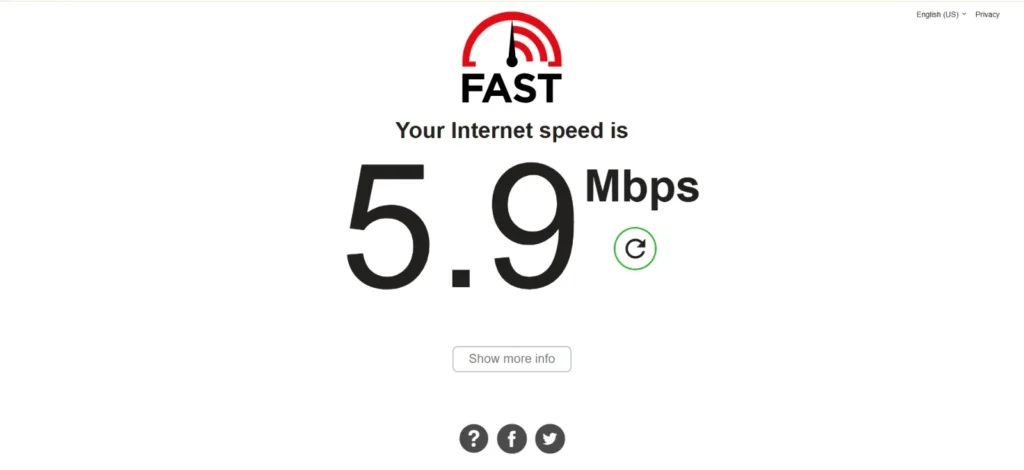
1. Check Your Internet Speed
A stable internet connection is essential for smooth IPTV streaming.
Recommended speeds:
- HD Streaming: 15 Mbps or higher
- Full HD: 25 Mbps or higher
- 4K Streaming: 50 Mbps or higher
If your internet speed is lower, buffering is more likely to occur.
2. Restart Your Router
Many streaming issues can be resolved by restarting your router.
Simply:
- Turn off the router.
- Wait 30 seconds.
- Turn it back on.
- Test your IPTV again.
3. Use an Ethernet Cable
Wi-Fi is convenient but can be unstable.
For the best experience:
- Connect your Smart TV or streaming device directly to the router using an Ethernet cable.
- This reduces packet loss and improves streaming stability.
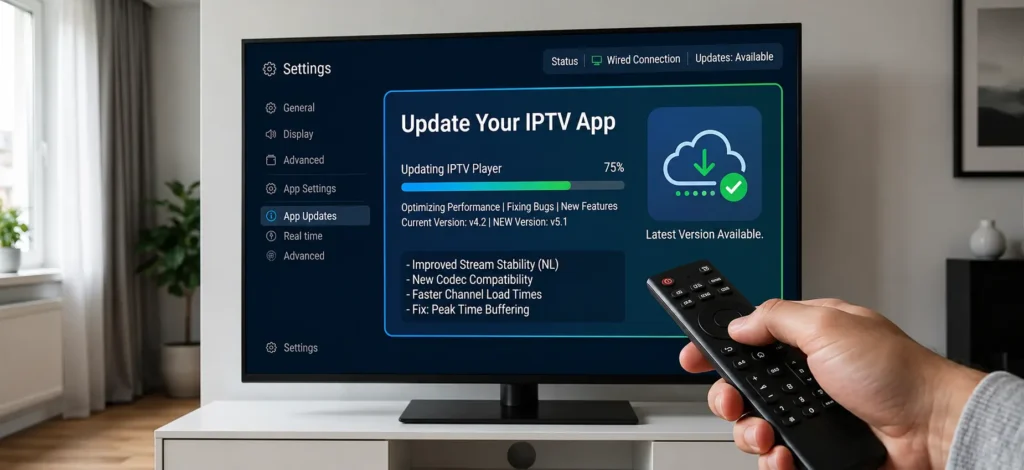
4. Update Your IPTV App
Developers frequently release updates that improve performance and fix bugs.
Always keep your IPTV application updated to the latest version.
5. Clear the IPTV App Cache
A full cache can slow down the application.
Go to your device settings, locate the IPTV app, and clear its cache before testing again.
6. Reduce Network Traffic
If multiple devices are downloading or streaming at the same time, IPTV performance may suffer.
Pause large downloads while watching IPTV.
7. Restart Your Streaming Device
Restarting your Smart TV, Firestick, Android TV, or TV Box can solve temporary software issues.
8. Try Another IPTV Player
Sometimes the issue is the application rather than the IPTV service.
Testing another compatible IPTV player may improve performance.
9. Keep Your Device Updated
Install the latest software updates for your streaming device to improve compatibility and stability.
10. Check Peak-Time Performance
Streaming quality may decrease during busy evening hours when internet traffic is high.
If buffering mainly happens during peak times, the issue may not be with your device.
11. Improve Your Wi-Fi Signal
Move your router closer to your TV or use a Wi-Fi extender if the signal is weak.
12. Contact Your IPTV Provider
If you’ve tried all of the above and buffering continues, contact your IPTV provider to check whether there are server-side issues.
Frequently Asked Questions
Why does IPTV buffer even with fast internet?
Buffering can also be caused by server load, Wi-Fi interference, or device performance.
Can Wi-Fi cause IPTV buffering?
Yes. Weak or unstable Wi-Fi is a common reason for buffering.
Is Ethernet better than Wi-Fi?
Yes. A wired Ethernet connection is generally more stable for streaming.
Conclusion
Most IPTV buffering problems can be solved by improving your internet connection, updating your apps, and optimizing your home network. Following these tips can help you enjoy a smoother streaming experience. if you interested in best ipyv please visit our site https://iptvnetherland.shop/